


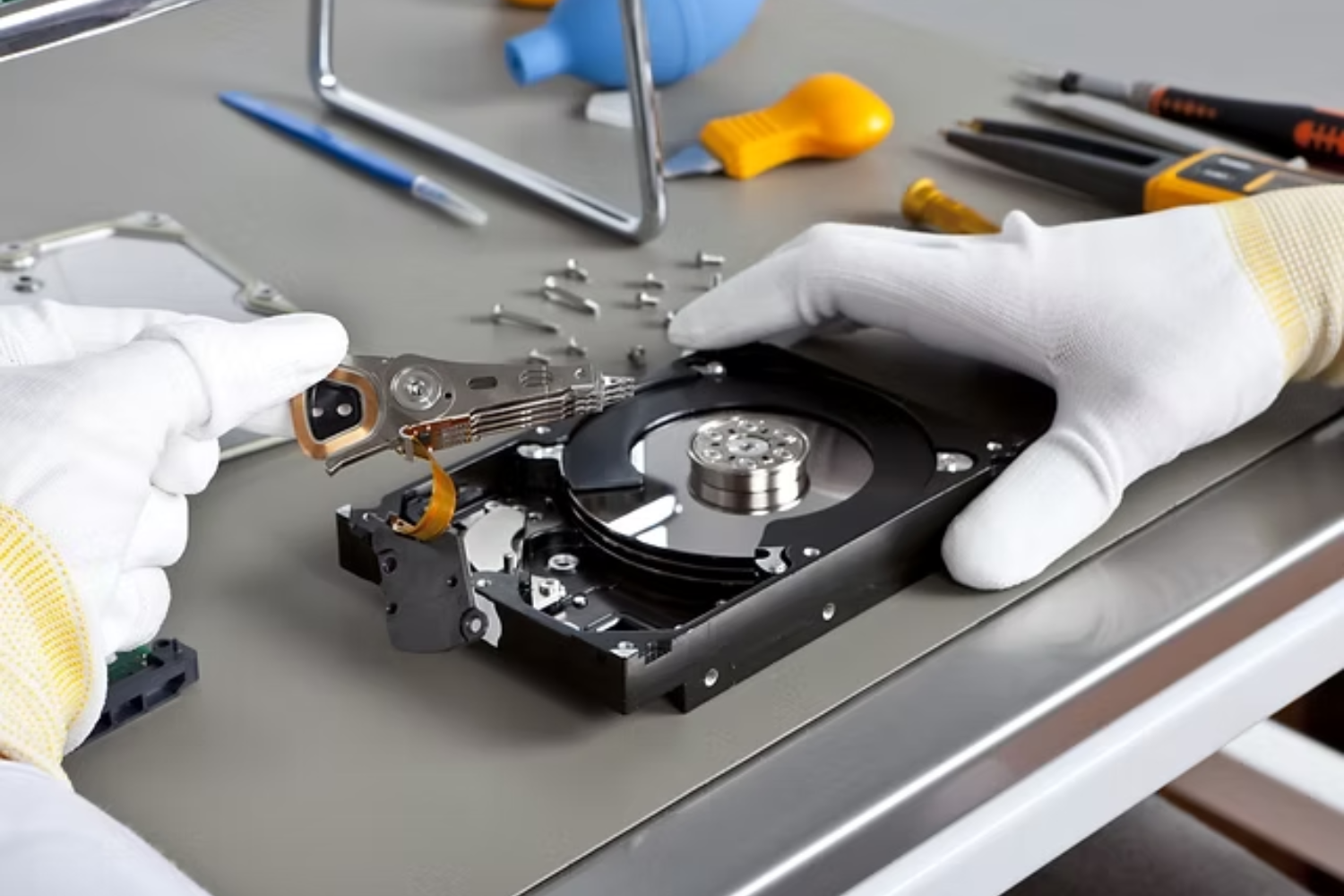
Losing important data can feel overwhelming. One moment your laptop, phone, or external drive is working normally, and the next, your files are gone. Photos disappear, documents won’t open, or your device simply refuses to turn on. For many people in Dubai where work, business, and daily life depend heavily on digital devices data loss is more than an inconvenience. It can disrupt productivity, delay projects, and create serious stress Data Recovery Dubai.
If you’re facing this situation, the first few steps you take are critical. Acting quickly and correctly can significantly increase your chances of successful recovery. On the other hand, panic-driven mistakes can permanently destroy recoverable data.
This guide explains exactly what to do first when data is lost, what to avoid, and how professional data recovery services safely restore your files.
Understanding Data Loss: Is Your Data Really Gone?
The most important thing to know is this: lost data is not always permanently deleted.
In many cases, files are still physically present on the storage device. They just become inaccessible due to:
-
File system corruption
-
Accidental deletion
-
Formatting
-
Hardware malfunction
-
Software crashes
Until new data overwrites the old data, recovery is often possible. That’s why your immediate actions matter so much.
Step 1: Stop Using the Device Immediately
This is the most critical rule.
When data is deleted or corrupted, continuing to use the device may overwrite the same storage sectors where your lost files exist. Once overwritten, recovery becomes extremely difficult or impossible.
If you experience data loss:
-
Stop saving new files
-
Don’t install software
-
Don’t download anything
-
Don’t continue working on the device
Simply power it off or disconnect it safely.
Step 2: Don’t Panic and Avoid Quick DIY Fixes
It’s natural to search online for free recovery tools. However, many DIY attempts can make the situation worse.
Common mistakes include:
-
Installing recovery software on the same drive
-
Running multiple recovery tools repeatedly
-
Opening the device physically
-
Restarting damaged drives again and again
These actions can overwrite data or cause further hardware damage.
Simple logical deletions might sometimes be fixed with software, but for serious issues especially SSDs or physically damaged drives DIY recovery often reduces the chances of professional success later.
Step 3: Identify the Type of Problem
Understanding what happened can help determine the right next step.
Accidental Deletion
Files were deleted unintentionally or the recycle bin was emptied.
Formatting
A drive was formatted by mistake.
Device Not Detected
The system doesn’t recognize your hard drive or USB.
Physical Damage
The device was dropped or exposed to water.
Strange Noises
Clicking or beeping sounds from hard drives.
System Crash
Operating system errors or corrupted partitions.
If you notice physical or mechanical symptoms, do not attempt any further use. Professional help is necessary.
Step 4: Disconnect External Devices Safely
If the issue involves:
-
External hard drives
-
USB flash drives
-
Memory cards
Remove them properly and avoid plugging them into multiple computers. Each connection attempt can cause additional wear or data corruption.
Store the device safely until inspected by professionals.
Step 5: Seek Professional Data Recovery Services Early
The sooner experts examine your device, the higher the recovery success rate.
Professional data recovery specialists use safe, controlled techniques to protect your data while restoring it. Waiting too long or experimenting with DIY methods can reduce the likelihood of recovery.
How Professional Data Recovery Works
Many people wonder what experts actually do differently. Professional recovery isn’t guesswork it’s a structured technical process.
Diagnosis
Technicians analyze the device to determine whether the issue is:
-
Logical (software-related)
-
Mechanical (hardware-related)
-
Electronic (circuit-related)
Correct diagnosis prevents unnecessary or risky procedures.
Secure Cloning
Instead of working directly on the original drive, professionals create a full sector-by-sector copy. This protects the original data and prevents further damage during recovery attempts.
Advanced Recovery Techniques
Specialized tools are used to:
-
Rebuild partitions
-
Recover deleted files
-
Repair file systems
-
Extract data from damaged sectors
These tools go much deeper than consumer software.
Hardware Repair (If Needed)
If physical damage exists, technicians may repair components or replace faulty parts carefully to access stored data safely.
Data Verification
Recovered files are tested to ensure they are complete and usable before being returned.
Devices That Can Be Recovered
Professional data recovery services can restore files from:
Laptops and PCs
Hard drive or system failures.
External Hard Drives
Drop or impact damage.
SSDs
Controller or firmware issues.
Mobile Phones
Lost photos, contacts, or documents.
Business Systems
Servers and office storage devices.
Why Professional Recovery Is Safer Than DIY
Here’s why professional recovery is recommended:
Higher Success Rate
Experts use advanced tools unavailable to regular users.
No Risk of Overwriting
Proper procedures protect existing data.
Safe Hardware Handling
Delicate components are managed carefully.
Data Confidentiality
Sensitive information remains secure.
Long-Term Reliability
Devices are handled without causing extra damage.
How Long Does Data Recovery Take?
Time depends on:
-
Device type
-
Damage severity
-
Data size
-
Recovery complexity
Simple cases may take hours. Complex hardware failures may take several days. A professional diagnosis provides realistic timelines.
How to Prevent Data Loss in the Future
After recovery, prevention becomes important.
You can protect your data by:
-
Maintaining regular backups
-
Using cloud storage
-
Updating systems regularly
-
Using surge protectors
-
Replacing old drives
-
Safely ejecting storage devices
Prevention saves both time and stress.
Professional Data Recovery Services at TechFix.ae
If you need Data Recovery Dubai, TechFix.ae provides professional data recovery services designed to restore lost files safely and securely.
Their team handles laptops, desktops, SSDs, external drives, mobile devices, and business systems using careful diagnostics and safe recovery processes. Each case is managed with attention to data integrity and confidentiality, helping customers recover valuable information without unnecessary risks.
When Should You Act Immediately?
Seek professional help right away if:
-
The drive makes clicking sounds
-
The device is not recognized
-
Files disappear suddenly
-
Water or physical damage occurs
-
Important business data is involved
Delaying action may reduce recovery success.
Final Thoughts
Data loss can feel like a disaster, but it doesn’t always mean permanent loss. The key is knowing what to do first—stop using the device, avoid risky DIY attempts, and consult professionals as soon as possible.
In Dubai’s digital-driven environment, reliable data recovery services can make the difference between losing important information forever and restoring it safely. Acting quickly and choosing expert help gives you the best chance of getting your files back.

 Arabic
 French
 Spanish
 Portuguese
 Deutsch
 Turkish
 Dutch
Dutch
 Italiano
 Russian
 Romaian
 Portuguese (Brazil)
 Greek
Greek