


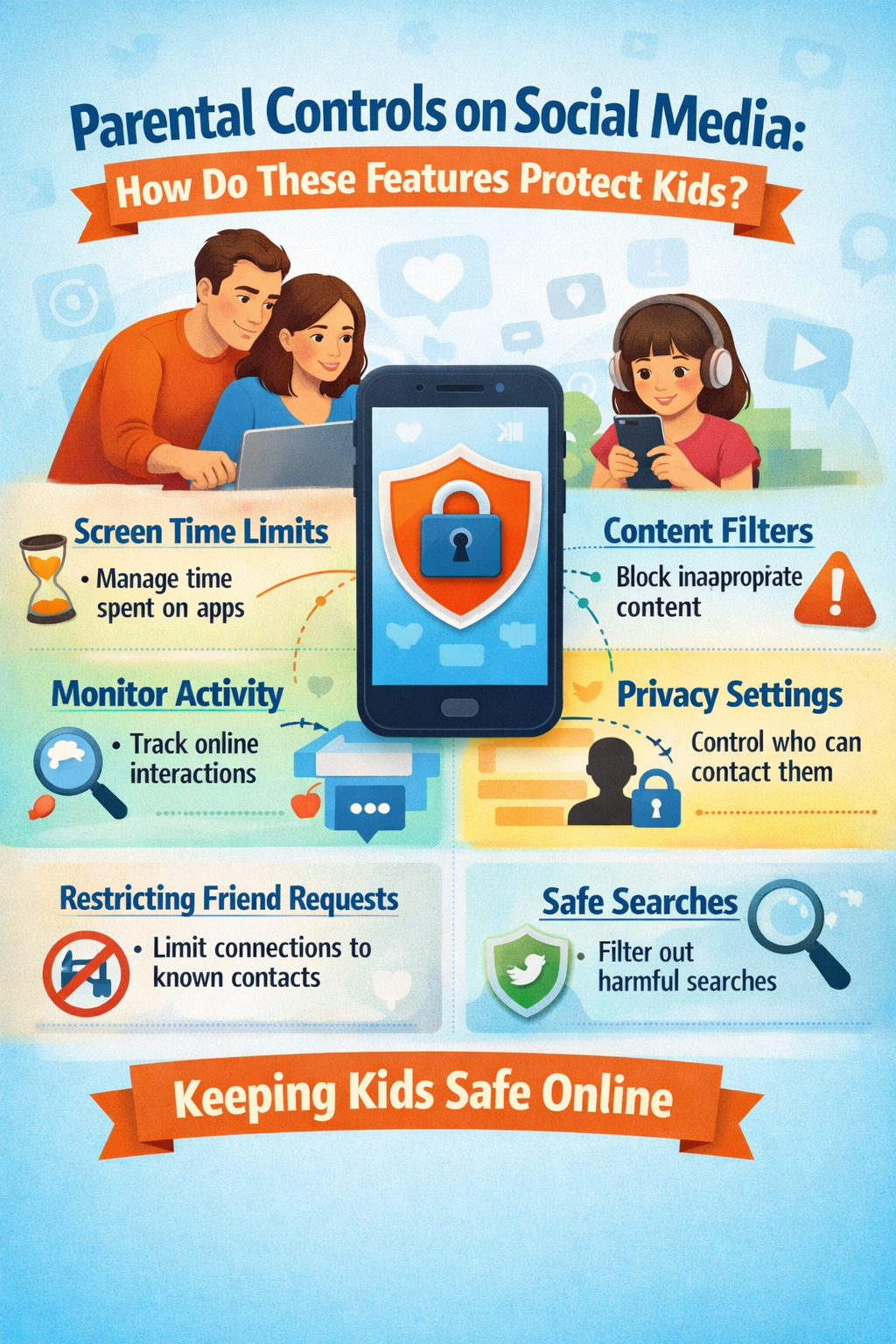
Social media is an interesting space. On one hand, it allows teenagers to have a healthy development; however, it can also create risks for kids as they can be subject to a number of things that are not appropriate for them. Research shows that it is very important for people and parents to teach kids how they can use social media correctly and the type of content that they should see.
As a guardian or parent, you are the one who knows everything about your kid. You know their strengths, and you know their vulnerabilities. This is why parental controls have been introduced on almost every platform, which allows parents to manage and limit what their children can see and access on these social media applications. This guide will tell you all about parental controls and how they protect kids.
Understanding parental controls on social media
Parental controls are certain special features that are built into every social media application or platform. These settings allow guardians and parents to track, manage, and limit the activity of their child on every social media application. Platforms such as Facebook, Instagram, TikTok, and YouTube provide parents with access to supervision tools that allow them to stay involved in their lives without invading the privacy of their kids. These controls ensure that parents can create a safer digital landscape, along with telling the kids about responsible online behaviour.
Restricting Screen Time and Usage
One of the most significant advantages provided by parental controls is the management of screen time. The parents can impose daily limits, decide on breaks, or restrict the usage of apps during certain times, like sleeping or studying. This facilitates the kids in striking a proper mix between their online activities and the responsibilities of reality, such as schoolwork, sleep, and playing outside.
Blocking Kids from Viewing Unfit Content
The parental control feature enables parents to filter or limit access to content that is not meant for kids. The parents can also block kids from accessing explicit videos, dangerous challenges, or violent content. Another way of ensuring that kids see only age-appropriate content is the use of the settings that classify content according to the age of the viewer.
Control of Privacy and Online Contacts
Privacy settings are yet another crucial feature of parental controls. Parents can make sure that a child’s account is private, limit who can send messages, comment on posts, or follow them. Such measures are instrumental in reducing the chances of a child getting in touch with a stranger and being subjected to online bullying. Furthermore, certain platforms provide alerts to parents when a child alters privacy settings, thus reinforcing communication.
Activity Monitoring Without Intrusion
A number of social media applications provide parents with activity reports or summaries rather than access to detailed messages. The parents are able to find out how much time their kid spends on the app, who they are following, or if they have reported or blocked someone. This method fosters supervision while also respecting the child’s personal space and helping to build trust.
Know more: https://saferloop.com/how-parental-controls-protect-kids-on-social-media/

 English
 Arabic
 Spanish
 Portuguese
 Deutsch
 Turkish
 Dutch
Dutch
 Italiano
 Russian
 Romaian
 Portuguese (Brazil)
 Greek
Greek