


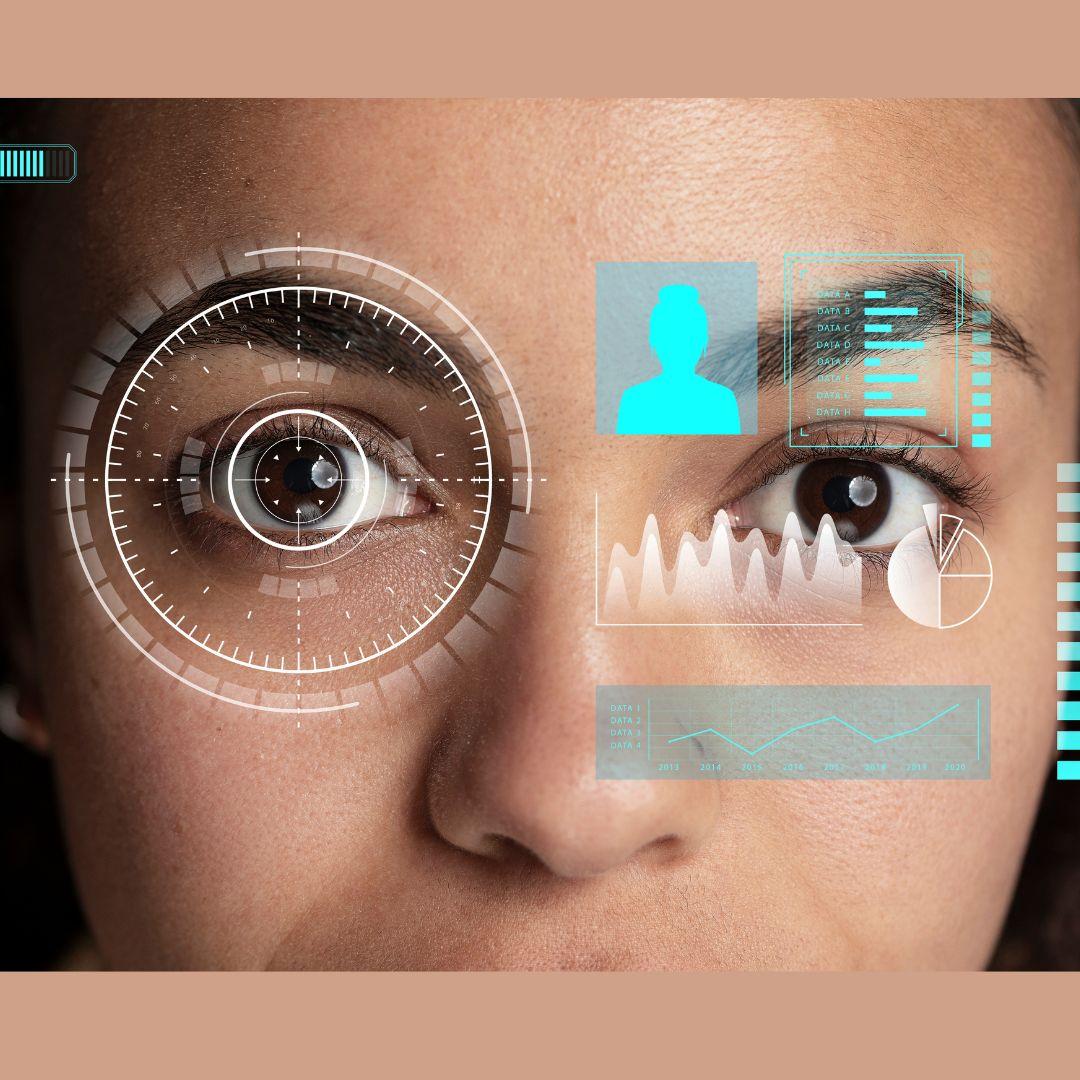
In the world of digital design, understanding what captures a user’s attention is critical for creating effective interfaces. While standard analytics can reveal clicks, time on page, and scroll depth, they fail to provide insight into what users actually look at or notice. An eye-tracking tool offers a solution, allowing designers and researchers to see precisely which elements attract attention, which are ignored, and how users visually navigate a page. This technology provides actionable insights for improving layout, content placement, and overall user experience.
The Science Behind Eye Tracking
Eye tracking relies on two key visual behaviours: fixations and saccades. Fixations occur when a user’s gaze pauses on a specific element, indicating cognitive processing of information. Saccades are rapid movements between these fixations, representing the path the eyes take as users scan a page. By analyzing these patterns, teams can identify areas that naturally draw attention and those that fail to engage users.
Modern Eye Tracking Tool often use infrared sensors or high-resolution cameras to capture these eye movements unobtrusively. The resulting heatmaps, gaze plots, and attention maps provide a visual representation of focus, revealing both high-engagement zones and neglected areas. These insights allow designers to align visual hierarchy with real user behavior rather than assumptions or aesthetic preferences.
Understanding Key Attention Zones
Not all elements on a page are equally effective at capturing attention. Eye tracking highlights which parts of a layout are noticed first, lingered on, or skipped entirely. Common attention zones include:
-
Headlines and subheadings that immediately capture focus
-
Product images or visual features that attract repeated fixations
-
Call-to-action buttons that either stand out or blend in
-
Navigation menus that guide or distract users
By identifying these areas, teams can adjust placement, contrast, and prominence to ensure that the most important content receives adequate attention.
Improving Visual Hierarchy and Layout
Visual hierarchy is essential for guiding users through a page naturally. Eye tracking data reveals whether the current layout effectively directs attention toward primary actions or if important elements are being overlooked. For example, a call-to-action button may be technically prominent in the design, but if users rarely fixate on it, it may need repositioning or visual enhancement.
An eye-tracking tool enables designers to test multiple layout variations to see which arrangements best guide the user’s gaze toward critical areas. Even subtle changes, such as adjusting spacing, font size, or contrast, can significantly affect how users move through content and make decisions.
Enhancing Content Engagement
Beyond layout, eye tracking informs content strategy by showing which visual and textual elements engage users most. Images, headlines, videos, and interactive components can be evaluated to determine their effectiveness.
For instance, if users consistently overlook an important promotional message or product description, the content may need repositioning or formatting changes. Similarly, designers can assess which headlines or images drive users toward desired actions. These insights ensure content resonates with the audience and aligns with natural viewing patterns.
Reducing Cognitive Load
An often-overlooked benefit of eye tracking is its ability to reveal cognitive load. When users’ eyes move erratically across a page or jump between unrelated elements, it may indicate that the layout is cluttered or that competing visuals dilute attention. High cognitive load can lead to frustration, mistakes, or abandonment of tasks.
By analyzing attention patterns, designers can reduce unnecessary complexity, highlight essential elements, and create a flow that feels intuitive. Streamlined layouts guided by eye-tracking data minimize mental effort and allow users to focus on the information or actions that matter most.
Understanding User Decision-Making
Eye tracking provides insights into how users make decisions in real time. The duration of fixations, the sequence of gaze, and the return visits to specific elements reveal priorities, confusion, or interest. For example, users may revisit a product image multiple times before clicking “add to cart,” indicating careful consideration.
Observing these micro-moments helps teams identify barriers in decision-making. Whether it’s a confusing label, a misleading icon, or poorly positioned information, eye tracking uncovers subtle usability issues that traditional analytics cannot detect. This allows for targeted improvements that enhance clarity and reduce friction.
Supporting Iterative Design
The value of an eye-tracking tool extends beyond initial testing. Iterative design relies on continuous evaluation to ensure changes align with user behavior. By comparing eye-tracking data across multiple versions of a page, designers can determine whether layout adjustments, content updates, or visual changes lead to improved attention patterns and better engagement.
Regular testing ensures that designs remain user-centered, allowing teams to refine interfaces as user needs and behaviors evolve. This iterative approach maximizes the effectiveness of every design decision, leading to interfaces that feel intuitive and responsive.
Practical Applications Across Platforms
Eye tracking is not limited to websites. Mobile applications, kiosks, e-learning platforms, and even digital signage benefit from understanding visual attention. In mobile apps, for example, eye tracking can reveal whether users notice key navigation buttons or swipe gestures effectively. For e-learning platforms, it can show whether instructional content captures attention as intended, improving learning outcomes.
The versatility of eye tracking ensures that insights can be applied across digital experiences, making it a powerful tool for any organization seeking to optimize engagement and usability.
Conclusion
An eye-tracking tool provides unparalleled insights into how users interact with digital interfaces. By revealing which elements capture attention, which are ignored, and how gaze flows across a page, designers can optimize layout, visual hierarchy, and content placement. These insights reduce cognitive load, enhance engagement, and ensure that interfaces align with natural viewing behaviors. In a landscape where attention is scarce and usability drives success, eye tracking offers a data-driven approach to creating intuitive, effective, and satisfying user experiences.
FAQs
1. What is an eye-tracking tool?
An eye-tracking tool measures where and how users look at a screen, providing insights into attention patterns and visual engagement.
2. How does eye tracking improve UX design?
It identifies which elements attract attention, allowing designers to optimize layout, visual hierarchy, and content placement for better usability.
3. Can eye tracking reveal overlooked content?
Yes, it can detect content that users ignore, visual clutter, and areas of confusion that traditional analytics may not show.
4. Is eye tracking intrusive for users?
Modern tools operate unobtrusively, tracking eye movement without affecting natural interaction.
5. Can eye tracking be applied across different platforms?
Yes, it works for websites, mobile apps, e-learning platforms, kiosks, and other interactive digital environments.

 English
 French
 Spanish
 Portuguese
 Deutsch
 Turkish
 Dutch
Dutch
 Italiano
 Russian
 Romaian
 Portuguese (Brazil)
 Greek
Greek